Volume Control
The volume control key allows controlling system audio output volume. The volume on the slider would be automatically kept in sync with the system volume setting.
This key only works when the FlexDesigner is running. If this is not desired, consider using the ‘Scroll Wheel’ key in the ‘Input’ category, and bind the left/ right action to volume down/ up. The catch is that the scroll wheel key won’t be able to display the current volume.
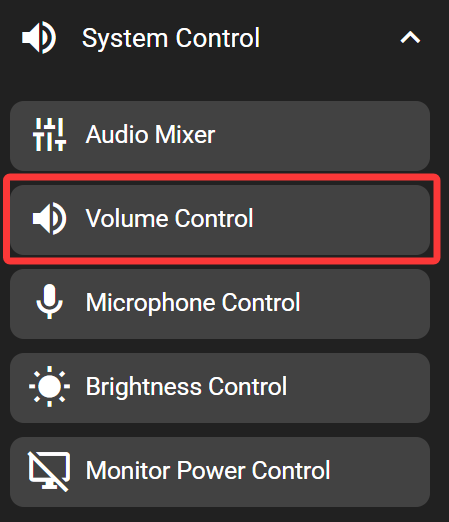
In the FlexDesigner
Other than the standard visual options, this key doesn’t have any additional configurable functions in the FlexDesigner.
On the Flexbar
Drag the slider on the Flexbar to adjust system volume. When the volume is changed with other methods (such as changing with keyboard shortcut or system panel), the change would be synced and reflected on the slider as well.