Microphone Control
The microphone control key allows controlling system audio input volume.
This key only works when the FlexDesigner is running. This key is only present in the Windows version of the FlexDesigner at the moment.
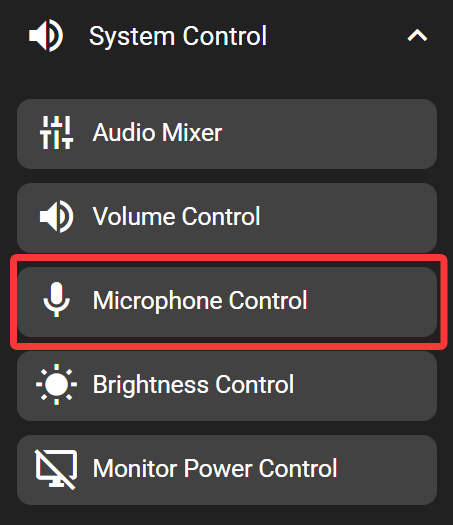
In the FlexDesigner
Other than the standard visual options, this key doesn’t have any additional configurable functions in the FlexDesigner.
On the Flexbar
Drag the slider on the Flexbar to adjust system input volume (typically microphone volume).