Audio Mixer
The audio mixer key allows controlling audio volume of different applications individually.
This key only works when the FlexDesigner is running. This key is only present in the Windows version of the FlexDesigner at the moment.
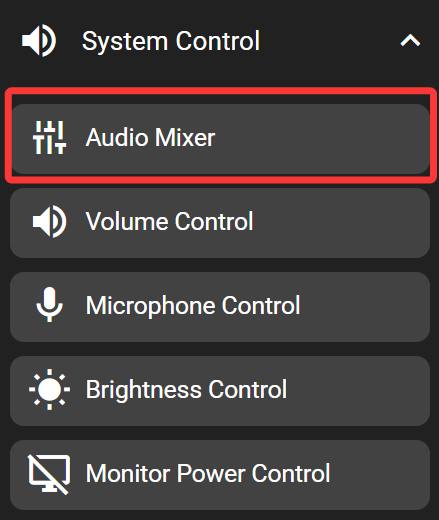
In the FlexDesigner
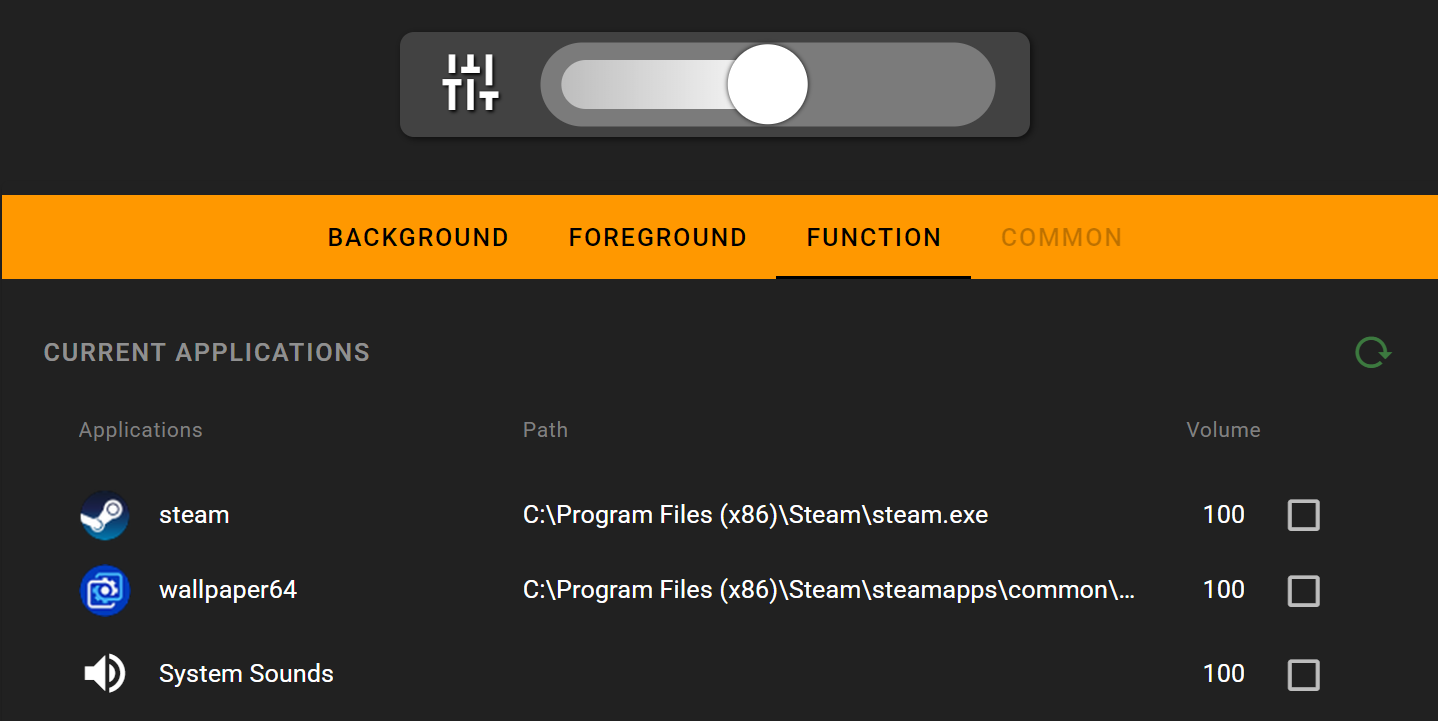
In the function page, a list of currently running applications is shown. For each application, there is a checkbox all near the right edge of the list. Only checked application would be controlled by the volume slider.
On the Flexbar
Drag the slider on the Flexbar to adjust the audio volume of selected applications.