Toolbar
The toolbar contains file management, software configuration, and other functions.
File

Functions in order:
Create a new project file (.flexbar)
Open a project file
Save current changes to file
Save as
Export current page to file (.flexpage)
Will use the parent page’s title and icon
Import a page from file
Settings
In the settings interface, you can manage software, projects, devices, and more.
System

Set software language
Set software theme color
Set auto-start on boot
If checked, new keys will use the last edited appearance; otherwise, default appearance will be maintained
Application
Manage global settings for different applications and your logged-in accounts.
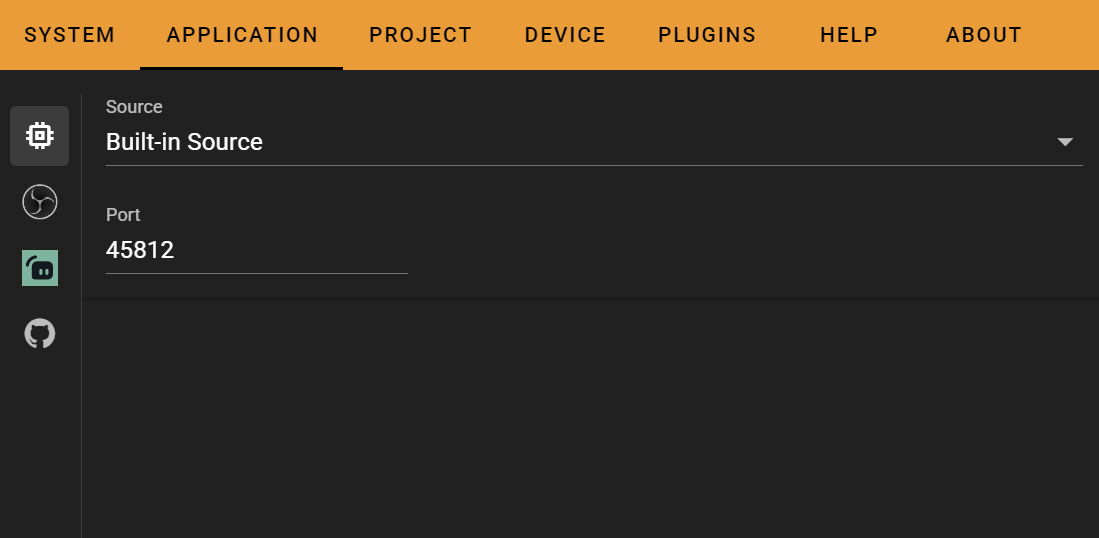
Project
Browse and modify project settings on this page.

Vertical Mode: When enabled, all key icons and titles will rotate 90°
This mode may cause issues with some keys
List of plugins installed in the current project
Device
Manage connected devices on this page.
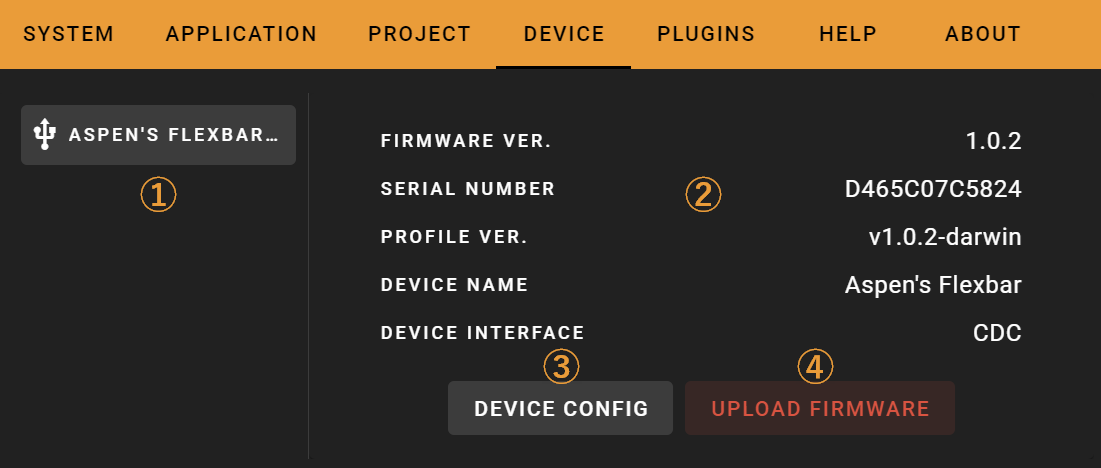
Interface description:
Connected device list
Device information overview
Device settings
Manual firmware update
You typically don’t need to manually update firmware
Device settings page ③ is shown below, where you can change the device name and color.

Plugins

Help
Access the tutorial guide, online documentation, or report bugs on this page.

About
Check for software version updates on this page.
