OBS Studio
You can control OBS Studio quickly and easily using the Flexbar.
Set Up Your OBS Studio
To get started, enable OBS Studio’s WebSocket service via Settings > Application > OBS.

Open the WebSocket settings panel
Click Show Connect Info
Copy the IP, Port, and Password

Paste the IP, Port, and Password into the corresponding input fields, then click Test Server. You should see a “Connected” status if everything is set correctly.
In the FlexDesigner
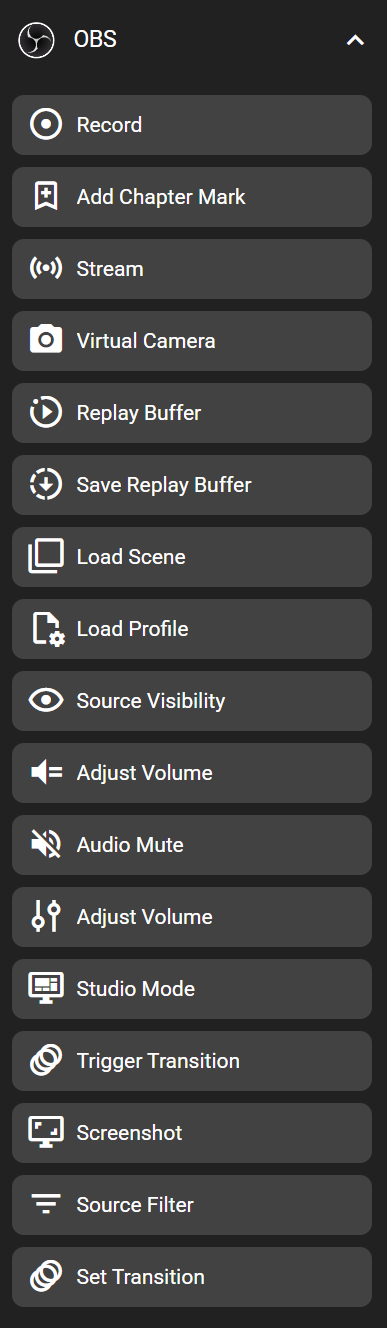
You can find this feature under the “OBS” category in the Key Library.
On the Flexbar
