Clipboard
The clipboard feature allows you to quickly copy a file, image, or text to your clipboard with a single click, making it easy to paste anywhere you need.
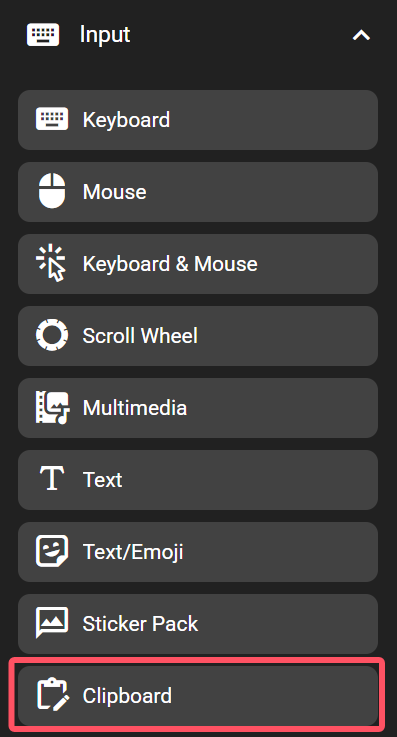
In the FlexDesigner
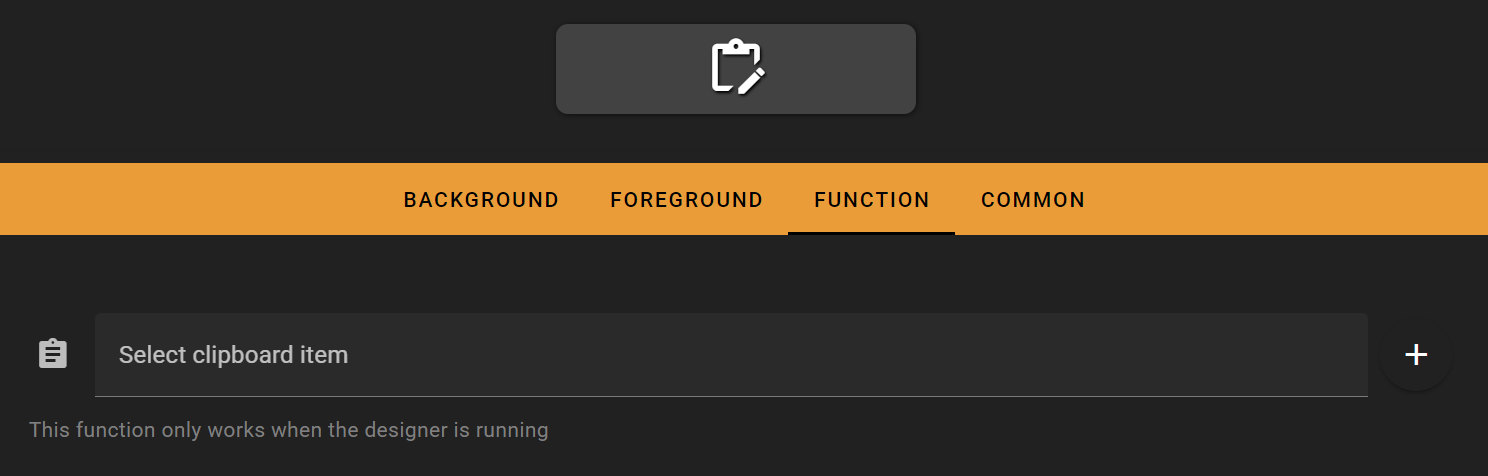
To get started, click the + icon on the right to create a new clipboard item.
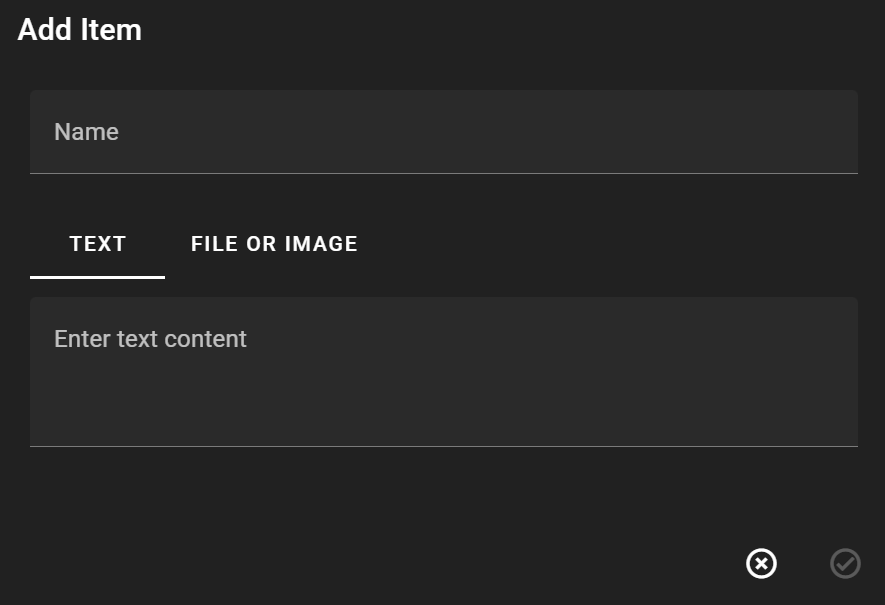
Name: Give your clipboard item a name for easy identification later
Text: Enter text content to be copied to the clipboard
File or Image: Select a file or image to be copied to the clipboard
Once created, simply select your clipboard item to complete the setup.
On the Flexbar
Just press the corresponding button, and Flexbar will automatically copy your content to the clipboard and paste it.